Equipment chapter 01 / Cameras
Choose your capture tool
A camera is a working interface between your attention and a photograph. Choose the controls and capabilities that remove friction from that work.
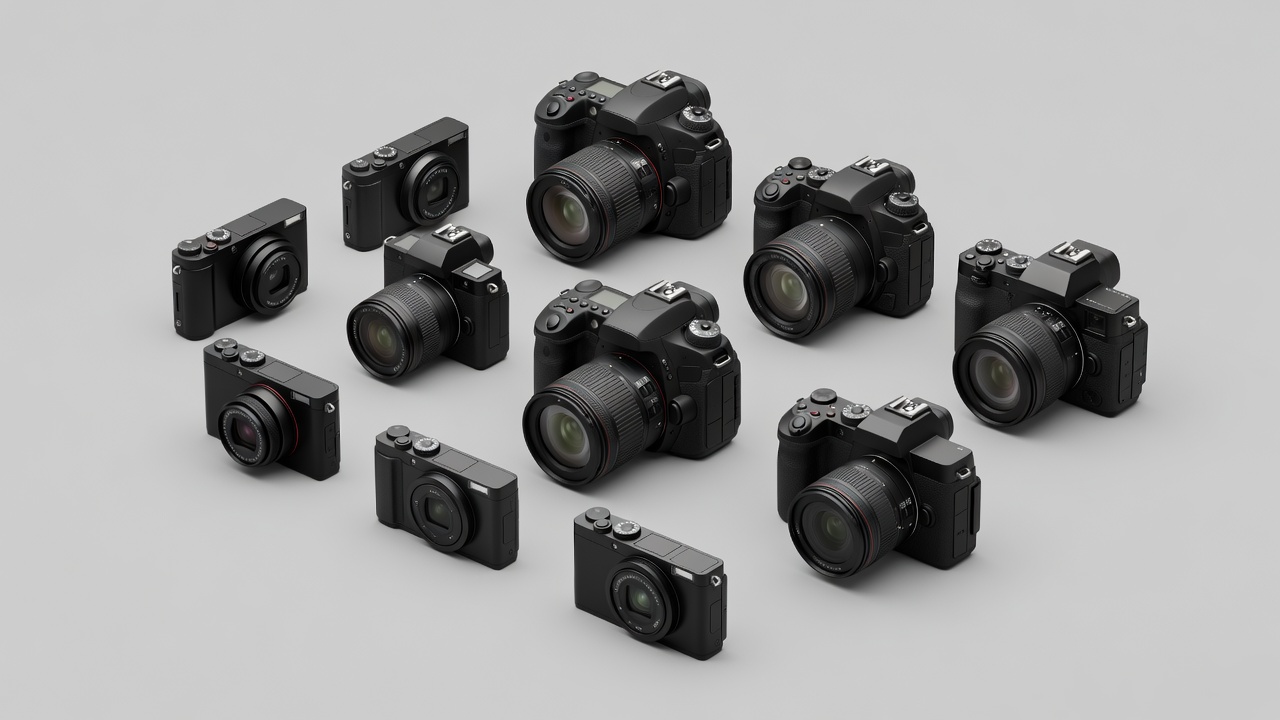
Begin with what your current camera cannot do
Write down a photographic task rather than a desired specification. “Keep a moving child sharp in a dim room” gives you something to investigate. “Get a professional camera” does not. Inspect the photographs you already make and note which failures recur. Missed focus, motion blur, clipped highlights and difficult framing have different causes. A new body may address one while leaving the others untouched.
Repeat a simple test before shopping. Use a faster shutter speed, change your autofocus area, or move closer to better light. Read the relevant section of your camera manual. If the result improves, a technique change may be enough. If the limitation remains consistent, you now have a more useful basis for comparison.
Understand the categories without ranking them
Always-available capture, computational processing and quick sharing. Accessory choices and direct control vary, and small sensors can constrain some low-light or depth-of-field goals.
A self-contained kit with a known lens range. Check viewfinder availability, battery life and whether its particular lens actually extends your options.
An optical viewfinder and an established interchangeable-lens system. Used options can be appealing, but age, service availability and live-view behavior deserve attention.
An electronic view of the sensor feed and interchangeable lenses. Preview aids can help, while display lag, battery use and electronic-shutter limitations vary by model.
No category guarantees better photographs. An electronic viewfinder may make exposure easier to judge; an optical finder may feel more comfortable to another photographer. A camera that is awkward to carry can reduce the very practice it was meant to support.
Learn the controls that change the picture
Shutter speed controls the duration of a single exposure and strongly affects how motion appears. Aperture affects light transmission and depth of field, alongside subject distance, focal length and format. ISO influences how the camera handles the captured signal; increasing it can help you use a faster shutter speed, but it does not add light to the scene. These controls work together rather than functioning as isolated quality settings.
Aperture priority is useful when depth of field is your main concern. Shutter priority can suit a specific motion effect. Manual exposure is useful when you want settings to remain consistent despite changes in the meter’s reading. Automatic modes are legitimate tools too. The aim is predictable results, not proof that you avoided automation.
A useful camera makes the right adjustment easy enough that you still notice the photograph.
Evaluate autofocus and handling in context
Autofocus performance depends on the body, lens, available light, subject and chosen settings. Subject recognition may help with people or animals, but it can still select the wrong target. Test single and continuous focus, the ease of moving a focus point, and how quickly you can override automation. A burst-rate headline says little about the number of usable frames in your own situation.
Handle the camera with the lens you expect to use. Check grip comfort, control reach, viewfinder visibility with glasses and whether the screen works at your preferred angle. Consider whether you can change exposure compensation without abandoning the scene. These details often matter more over a long walk than a small specification advantage.
Match output, not imagined future status
Resolution becomes meaningful when connected to print size, cropping and viewing distance. More pixels can provide cropping room, but they also increase storage and processing demands. Sensor size can influence noise, depth-of-field choices and lens size, yet it is only one part of a system. Micro Four Thirds, APS-C and full-frame formats each support serious photographic work.
RAW files preserve more editing flexibility than a camera-rendered JPEG in many situations, but require a compatible workflow. JPEG can be efficient when the camera’s rendering meets your needs. Try both before committing to a large software or storage change. Check that your computer can handle representative files comfortably.
A practical decision test
- Name one recurring limitation the body must address.
- Confirm that a lens, technique change or rental would not solve it more simply.
- Test controls, viewfinder and autofocus with your intended lens.
- Read restrictions affecting electronic shutters, stabilization and video modes.
- Include batteries, cards, carrying and file storage in the total plan.
For used equipment, inspect the sensor output, controls, ports and battery compartment, and review return terms before paying. Shutter count can be informative on some cameras, but is not a complete measure of condition. Prefer a transparent inspection process to assumptions based on appearance alone.
Your next step may be to keep the body and change nothing else. If a lens is the actual constraint, continue with framing and compatibility. If the camera already meets the task, put the decision aside and make the project.